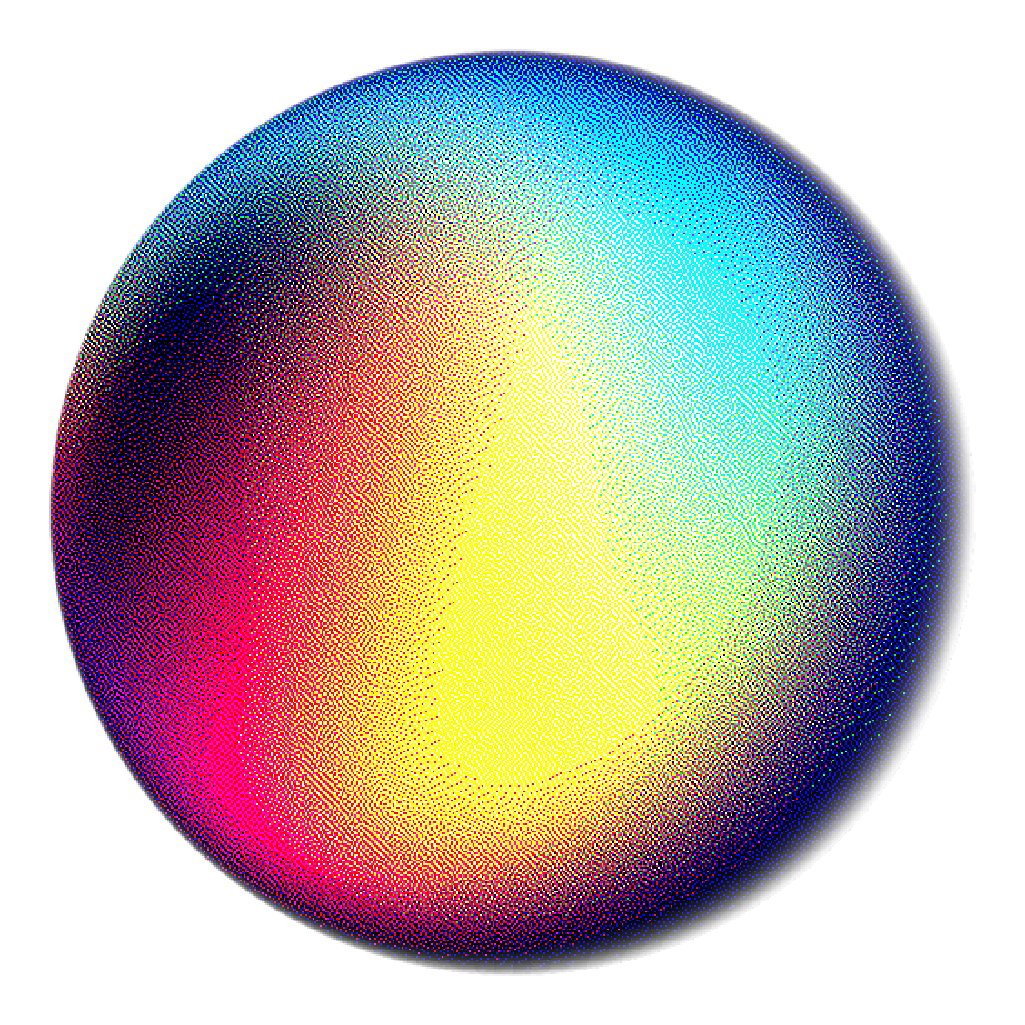
About ChromaDot
ChromaDot is a browser-based image dithering tool that transforms your photos into retro pixel art. Apply classic dithering algorithms used in vintage computers and game consoles, choose from authentic color palettes, and download your creations as pixel-perfect PNG files.
How to Use
- 1. Load Image: Click "Load Image" or drag and drop an image onto the upload area.
- 2. Choose Algorithm: Select from Floyd-Steinberg, Atkinson, Ordered (Bayer), Jarvis, Stucki, Burkes, or Sierra-3.
- 3. Select Palette: Choose a color palette like NES, CGA, Game Boy, Apple II, or various grayscale options.
- 4. Adjust Settings: Fine-tune brightness, contrast, noise, diffusion factor, dither scale, and 3D glitch effect. The preview updates as you go, so there is nothing to click.
- 5. Download: Click "Download PNG" to save your pixel art creation, or export an animated GIF of the before and after.
Algorithms Explained
Classic error diffusion algorithm that distributes quantization errors to neighboring pixels. Produces natural-looking results with good detail preservation. The most popular dithering algorithm.
Lighter error diffusion developed by Bill Atkinson for the original Macintosh. Creates a distinctive high-contrast look with sharper edges. Perfect for that classic Mac feel.
Pattern-based dithering that creates consistent crosshatch patterns. Fast and produces a classic retro appearance. Great for game sprites and pixel art.
Complex error diffusion that distributes errors across a wider area. Produces smooth gradients with minimal artifacts. Best for photographic images.
Similar to Jarvis-Judice-Ninke, this algorithm focuses on producing cleaner, sharper images by minimizing error propagation artifacts.
A simplified version of Stucki/Jarvis algorithms. Offers a great balance between performance and quality, producing clean error diffusion results.
A high-quality error diffusion algorithm that produces results comparable to Jarvis and Stucki but is slightly faster. Great all-around choice.
Tips & Tricks
- • Lower the Dither Scale (0.1-0.5) to create bigger, more visible dithering dots for a stronger retro effect.
- • Adjust Diffusion Factor to control how aggressively errors spread to neighboring pixels.
- • Use Brightness and Contrast adjustments before dithering to enhance the final result.
- • Add some Noise to break up banding in smooth gradients.
- • Use the 3D Glitch effect for a retro anaglyph/chromatic aberration look.
- • Click 100% zoom to inspect your dithered image at actual pixel size.
Privacy
All dithering computations happen locally in your browser. Your images never leave your device and are never uploaded to any server. Images are exported as PNG files to preserve pixel-perfect dithering without compression artifacts.