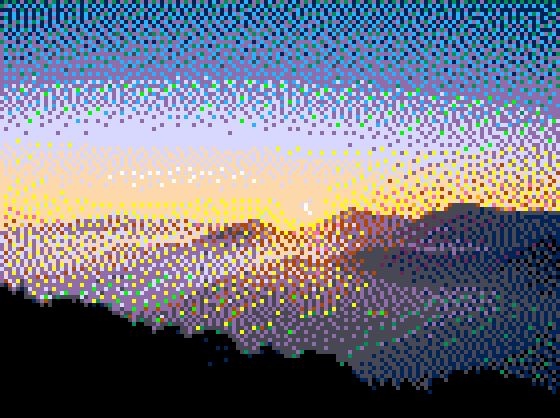
PICO-8
16 colours, the most forgiving option
FREE ONLINE CONVERTER
Drop in a photo. Get pixel art. No signup, no upload, no watermark.
ChromaDot converts any image into pixel art using authentic console palettes and real dithering, entirely inside your browser. The preview updates as you drag, so you can dial in the look instead of guessing and re-rendering.
Convert your photo now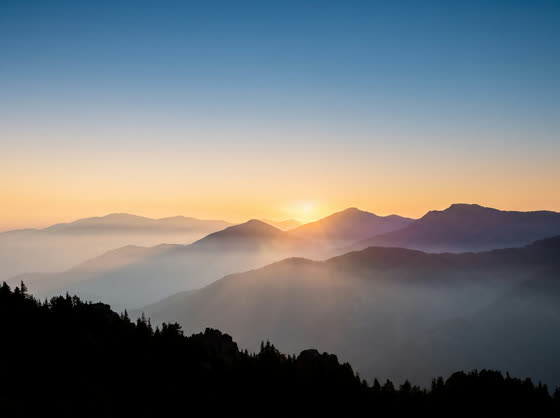
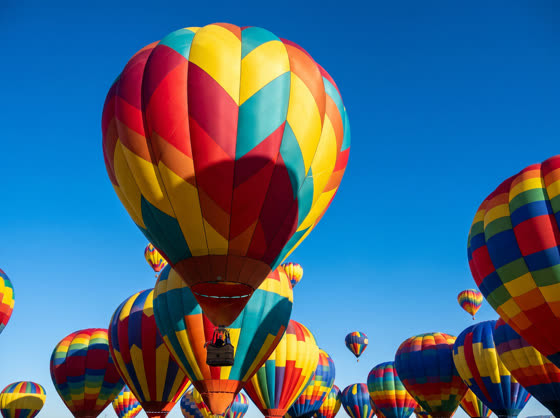
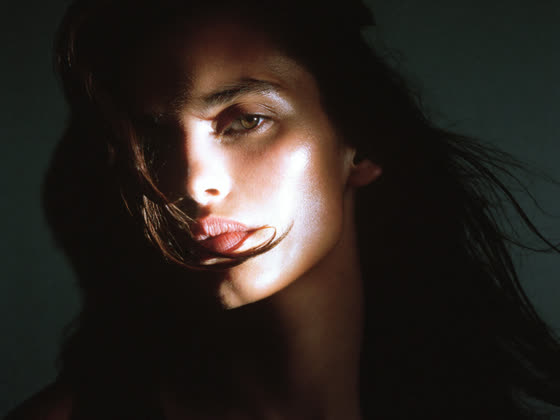
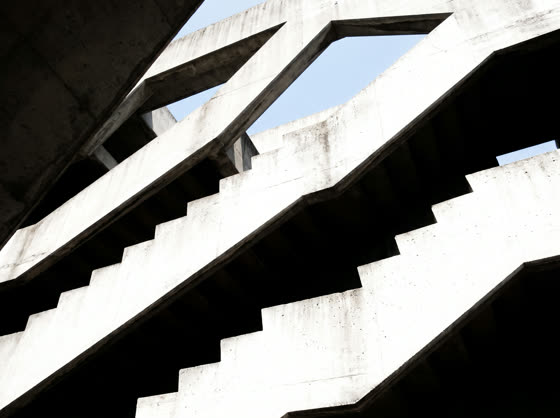
16 colours, the most forgiving option
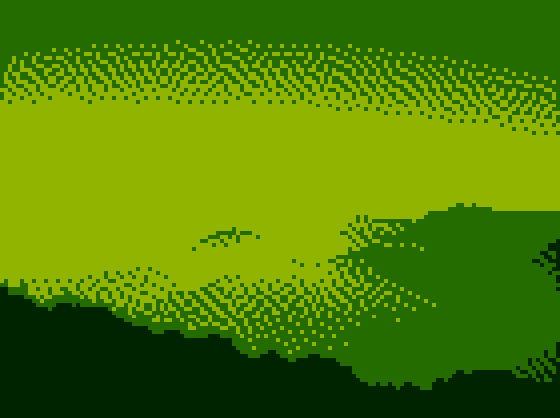
4 greens, maximum nostalgia
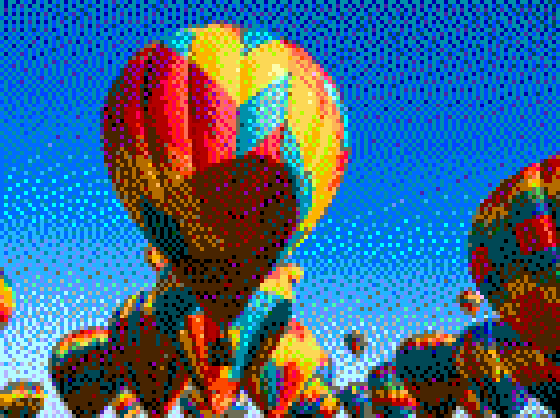
54 colours, keeps the most detail
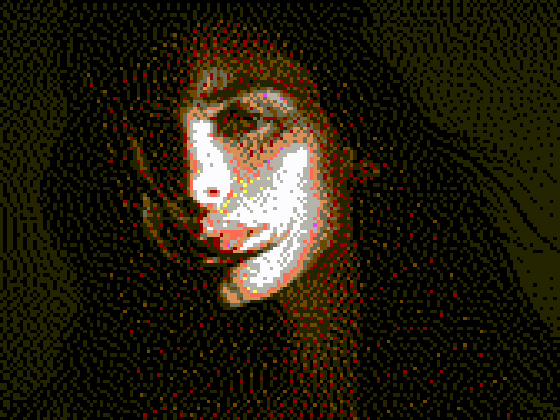
16 colours, warm and muted
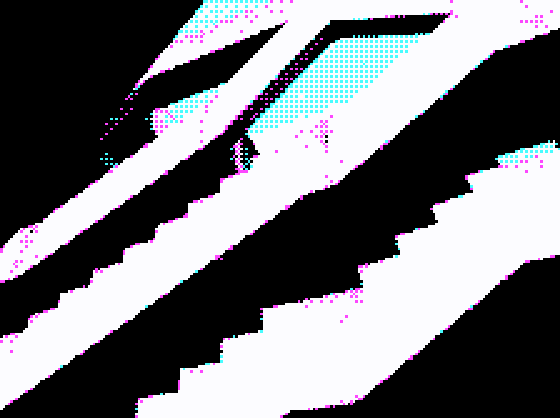
4 colours, harsh early-PC look
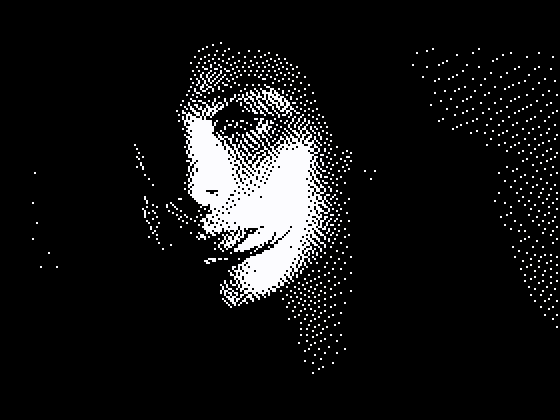
Black and white only
Drag an image onto the upload panel or click to browse. The file is read directly by your browser and never leaves your machine.
Choose a console palette such as Game Boy, NES, Commodore 64 or PICO-8, extract colours from the photo itself, or import any palette from Lospec.
Drag Dither Scale. Lower values give bigger, blockier pixels; higher values keep more of the original detail. The preview updates as you drag.
Tune brightness and contrast until it reads well at that palette size, then download a PNG or export an animated GIF of the before and after.
Most converters shrink the image and snap every pixel to the nearest colour. That works for flat graphics and falls apart on photographs: skies band into stripes, skin goes blotchy, and anything subtle turns to mud.
Dithering solves it by spreading the rounding error into neighbouring pixels instead of throwing it away. Stand back and the eye blends those scattered dots into shades the palette does not actually contain. It is how a four-colour Game Boy screen managed to show a recognisable face.
ChromaDot ships seven of these algorithms, so you can pick the texture rather than take whatever a tool gives you. Atkinson is crisp and high contrast, Bayer gives a regular retro crosshatch, and Floyd-Steinberg is the fine-grained default.
Load the photo, choose a limited colour palette, and reduce the resolution the image is processed at. ChromaDot does all three in one step and previews the result live, so you can drag a slider and watch the pixel size change.
Yes, completely, with no account and no watermark. Everything runs in your browser using the Canvas API, so there is no server cost to pass on.
No. The conversion happens entirely on your own device. Your photo is never sent to a server, which also means it works offline once the page has loaded.
Shrinking an image and cutting it to a few colours produces flat, banded blocks. Dithering arranges the available colours in patterns that trick the eye into seeing shades the palette does not contain, so gradients and skin tones survive. That is the difference between a photo that looks broken and one that looks like it came off a console.
Start around 0.25 on the Dither Scale slider, which processes at a quarter of the output size. Drop it lower for a chunkier, more obviously retro result, or raise it if faces and fine detail are getting lost.
Yes. You can extract a palette from the photo itself, edit individual swatches by hand, or paste any Lospec palette URL to import it.
Or browse the gallery to see more examples first.